Provider Guide

We've upgraded how you manage your time on ShiftRx. Now you can control which shift notifications you receive — so you only hear about opportunities that actually fit your schedule.
How to Set Your Schedule:
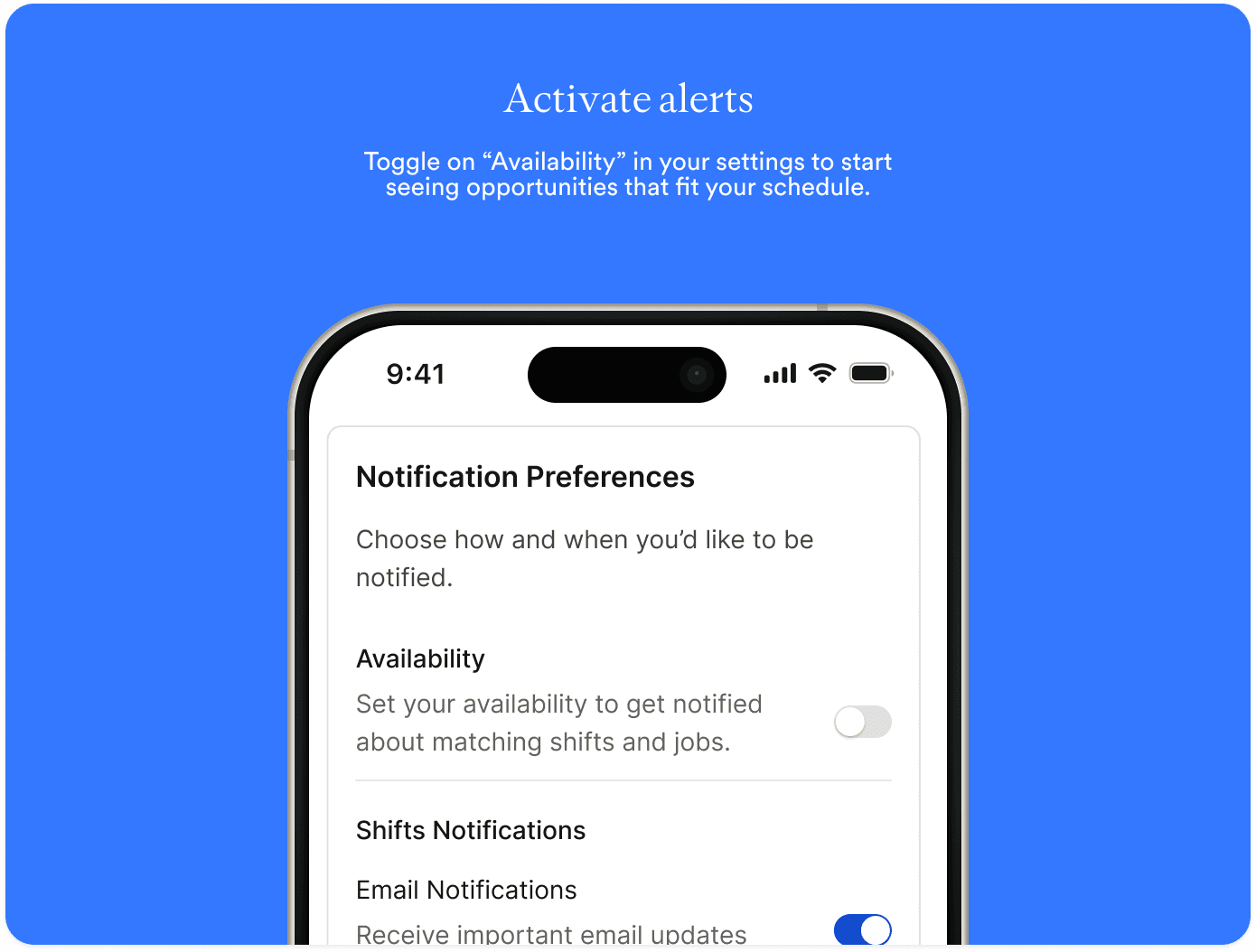
Set your availability
Head to Settings → Notifications → Availability to tell us when you're free to work. Toggle it on and ShiftRx will only notify you about shifts that match your schedule — no more pings for opportunities you can't take.
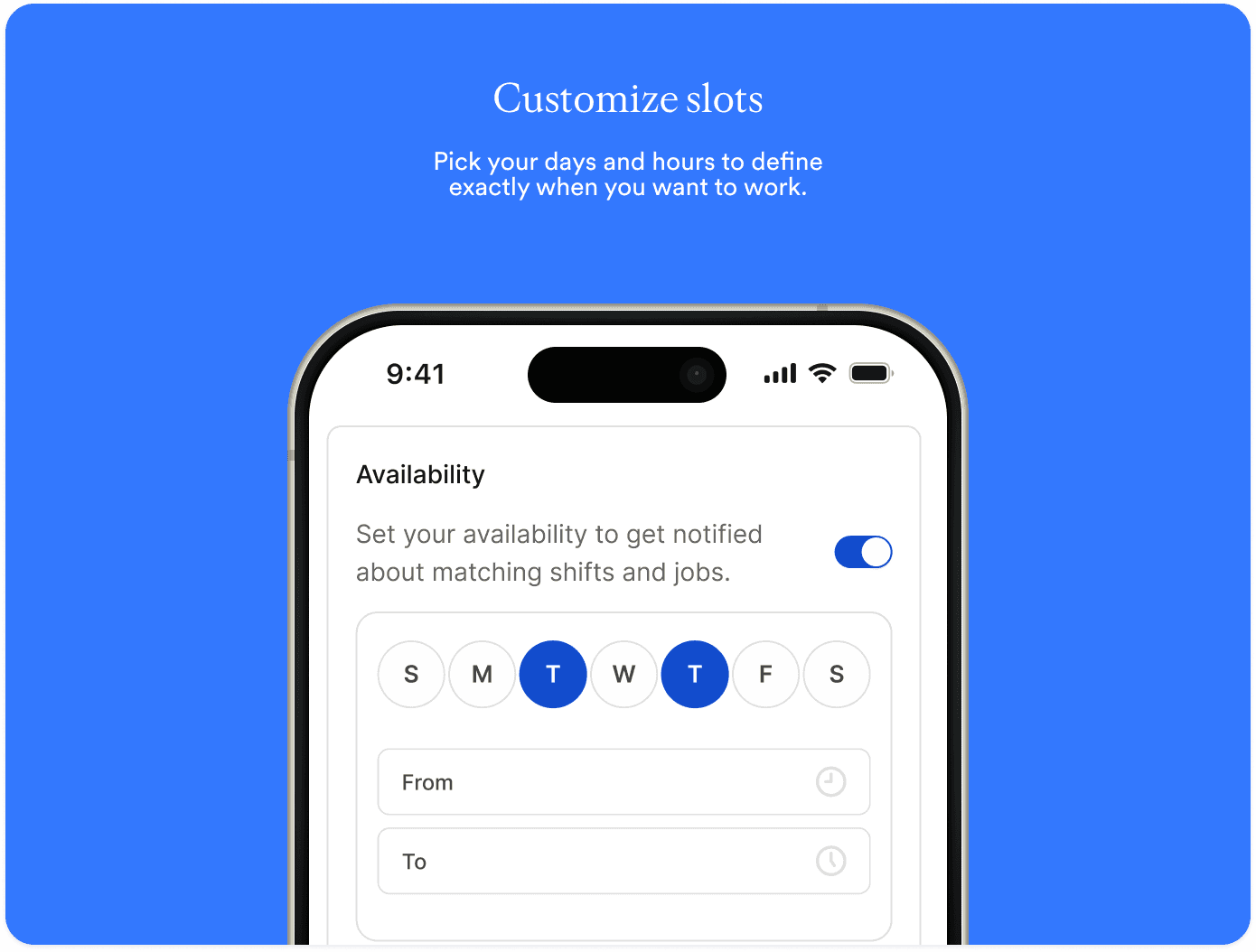
Not available on certain days? Just leave them unselected. You'll stop receiving notifications for shifts on those days, keeping your inbox focused on real opportunities.
Get shifts before anyone else
When a facility marks you as a preferred provider, their shifts get surfaced to you first — before they hit the public job board.
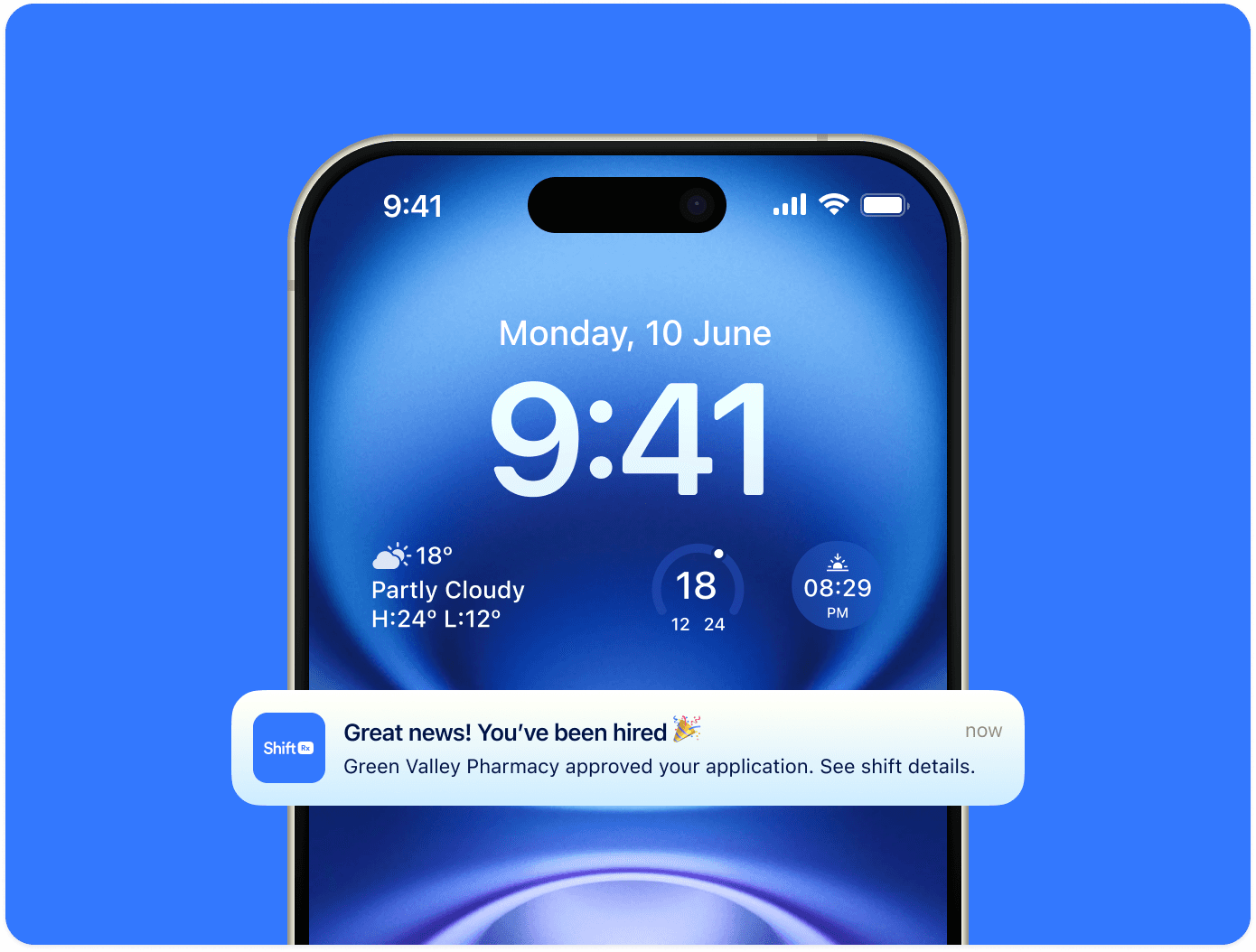
Even better, if you apply to a shift at a facility where you're preferred, you can be auto-hired on the spot. The more you work and build your reputation, the more facilities will add you to their preferred list.
Update your availability and start getting smarter shift notifications today!
P.S. Providers with higher scores are more likely to become preferred providers. Check out our breakdown of the provider rating system here.